
Private bookmarks for Safari.
Save a link. Close the tab. Find it later behind Face ID or Touch ID.
10 bookmarks free · iPhone, iPad & Mac · No account to create
Plus: $0.99/month, $9.99/year, or $29.99 once · U.S. prices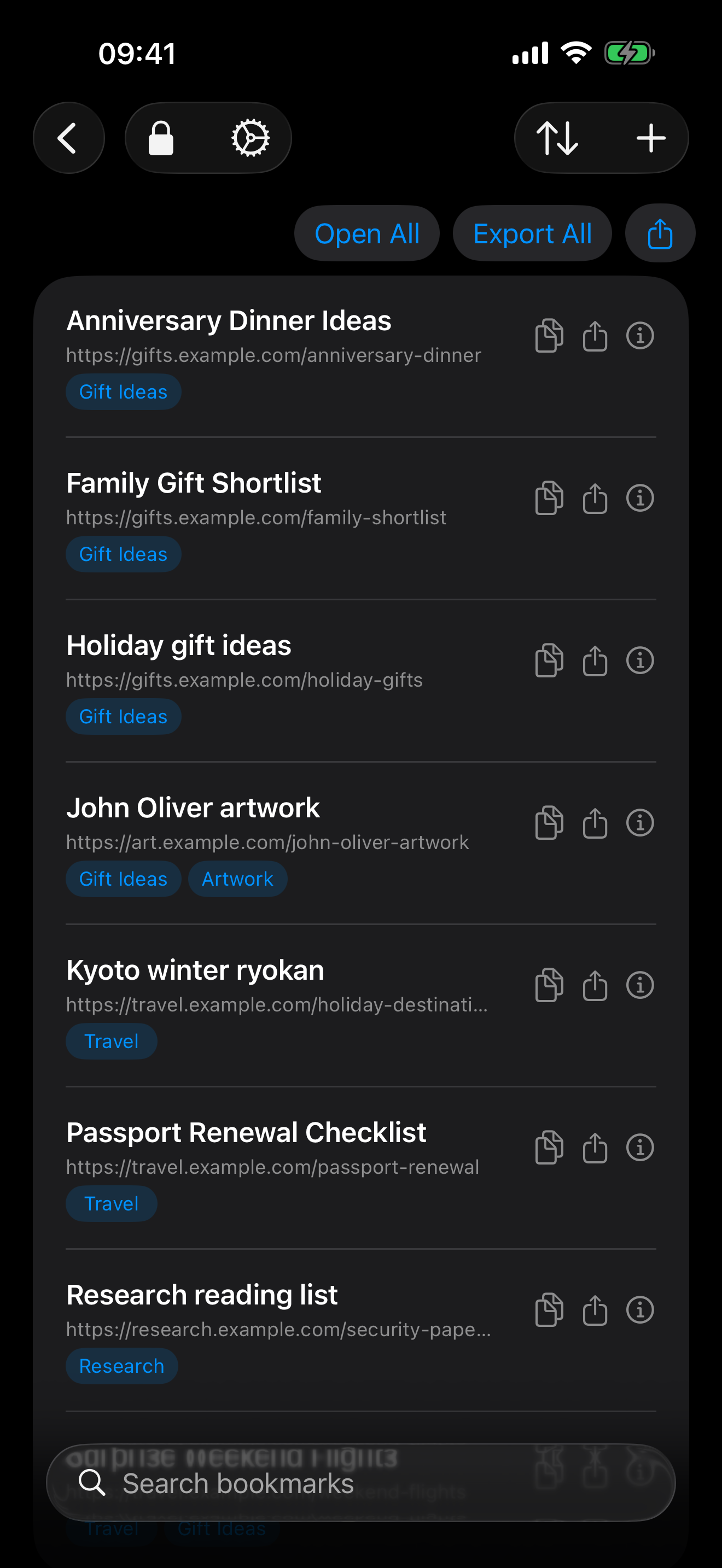
A few seconds now. A link you can find later.
Gift ideas. Personal research. Travel plans. Save from Safari or the iPhone and iPad Share Sheet. On Mac, paste or drop a link. Add a title, note, or tags when they help you find it again.
1. Save the link
Use the Share Sheet or Safari Quick Add. Your link is encrypted on your device.
2. Close the tab
Keep a private collection outside ordinary Safari bookmarks.
3. Find it again
Unlock, search or choose a tag, then open your bookmark. For private opening on iPhone and iPad, switch Safari to Private Browsing first. On Mac, TresorLink can open a private window.
Recorded in a demo vault with example links; edited for length. Device authentication is not shown.
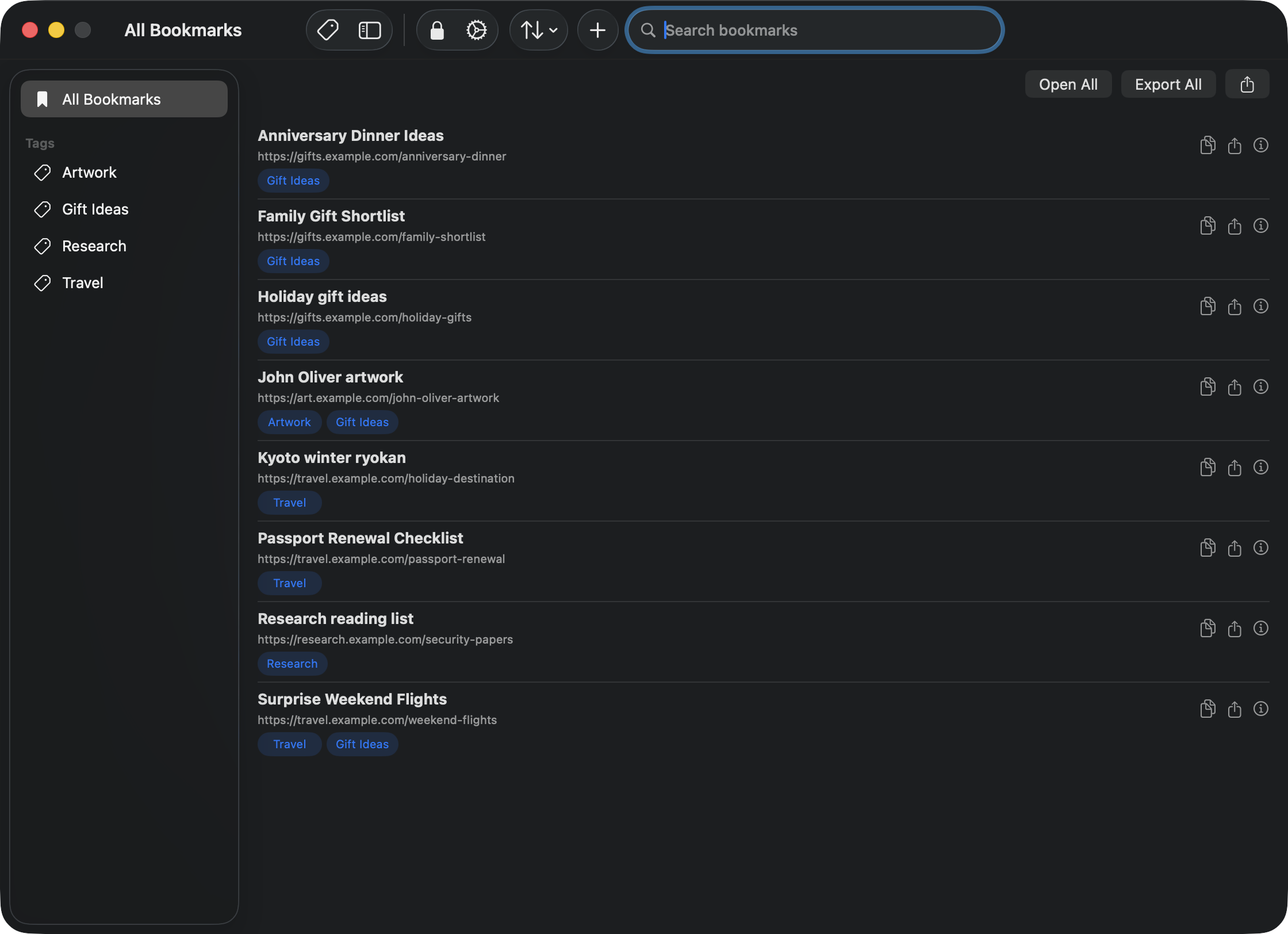
Save on iPhone. Find it on Mac.
Encrypted bookmarks sync through iCloud. Matching keys can sync through iCloud Keychain, so your trusted Apple devices can unlock the same collection.
Private by design.
URLs, titles, notes, and tags are encrypted with AES-256-GCM before storage or sync. Unlock with Face ID, Touch ID, or your device passcode or password. No separate TresorLink account, master password, or usage tracker.
Read how security worksKeys stay in Keychain
TresorLink cannot recover your vault without its keys. Check that your bookmarks open on another trusted device before replacing or wiping a device.
Bring your bookmarks
Import an HTML bookmark export from your browser or a text list of URLs. Browser folders become tags.
Your links stay yours
Export whenever you choose, including on the free plan. Export files are readable plaintext for compatibility with other apps.
Start with 10 bookmarks. Keep every privacy feature.
Encryption, iCloud sync, Safari, tags, notes, and imports are included free. Choose Plus when you need unlimited bookmarks.
Free
$0
10 active private bookmarks. No subscription required.
Monthly Plus
$0.99 / month
Unlimited bookmarks. Billed monthly.
Yearly Plus
$9.99 / year
Unlimited bookmarks. Billed yearly.
Lifetime Plus
$29.99 once
Unlimited bookmarks. One payment.